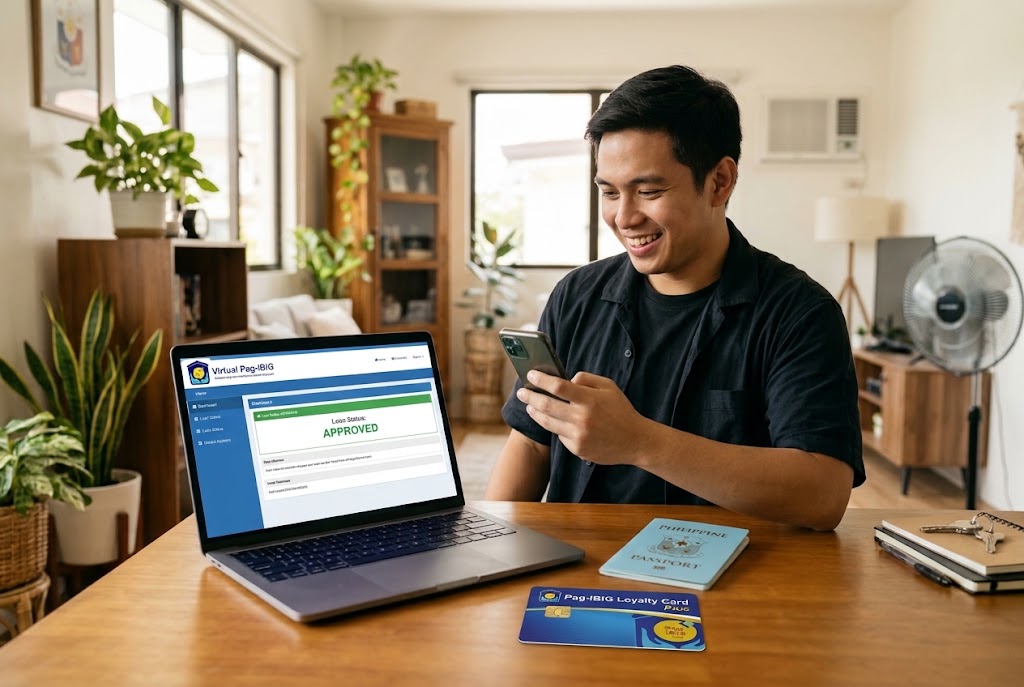

There are two ways to check your Pag-IBIG loan status: online through Virtual Pag-IBIG — on the website or the app — or by contacting Pag-IBIG through its hotline, email or a branch. Start online: open Virtual Pag-IBIG, select Apply for and Manage Loan → View Loan Status, choose the loan type and enter your 12-digit MID number and last name. It takes under a minute, you don’t need to log in, and it shows the current stage of your Multi-Purpose, Calamity or Housing Loan application. Contacting Pag-IBIG directly is the better move when the status hasn’t changed for more than five working days or the loan was approved but not credited within three; staff can tell you which requirement is missing, but you’ll wait on the line or travel to a branch. Before you check, keep your MID number and application reference number at hand, and note that a newly issued MID can take 24 to 48 hours to show up in the system.
How to Check Pag-IBIG Loan Status Online
- Go to the Virtual Pag-IBIG website or open the Virtual Pag-IBIG app on your phone.
- Select Apply for and Manage Loan (in the app: Access Loans), then View Loan Status.
- Under Select Type of Loan, choose Multi-Purpose Loan, Calamity Loan or Housing Loan.
- Enter your 12-digit MID number and your last name exactly as registered, then select Submit.
- Read the status and the date beside it. If you have a Virtual Pag-IBIG account, log in as well — the account shows the outstanding balance and payments once the loan is active.
The status page doesn’t send updates on its own, but Pag-IBIG texts your registered mobile number when the loan is approved and when the proceeds are credited. If you changed numbers, update it first; an old number also blocks the one-time PINs Virtual Pag-IBIG sends.
What Your Pag-IBIG Loan Status Means
The exact wording on the status page can differ slightly between loan types, but the stages follow the same order. The table below shows what to do when your application seems stuck at one of them.
| Status or problem | When to start worrying | What to do |
|---|---|---|
| Received / under review | after 5 working days with no change | Check that your employer certified the application, then send a follow-up with your MID and reference number |
| Approved, not yet credited | after 3 working days | Check your Loyalty Card Plus or bank account, then email Pag-IBIG with the approval date |
| Disapproved | right away | Read the reason: wait until you have 24 monthly savings, settle any defaulted loan, then reapply |
| “No record found” | after 48 hours for a new MID | Recheck the MID and last-name spelling; if correct, call the hotline |
| Employer hasn’t certified | after 2 working days | Ask HR to log in to Virtual Pag-IBIG for Employers; if it isn’t enrolled, file at the branch instead |
How to Apply for a Pag-IBIG Loan Online
You can apply for the Multi-Purpose Loan online if you have at least 24 monthly savings, paid at least one in the last six months, and have no defaulted Pag-IBIG loan. Log in to Virtual Pag-IBIG, open the Multi-Purpose Loan section, choose Apply, enter the amount and purpose, pick a 24- or 36-month term and select your Pag-IBIG Loyalty Card Plus for the proceeds. If you are employed, your employer then certifies the application online — which only works if it is enrolled in Virtual Pag-IBIG for Employers.
How much you can borrow, the full list of requirements for employed, self-employed and OFW members, and how to fill in the paper form are covered in our main guide: Pag-IBIG Loan 2026: requirements and how much you can borrow.
Free Download: Pag-IBIG Loan Status Follow-Up Templates
Free download: Pag-IBIG loan status follow-up templates
A 4-page Word file: a formal letter for the Pag-IBIG branch, a short email for contactus@pagibigfund.gov.ph, and a tracking sheet with a status log — all with [bracketed] fields to fill in.
⬇ Download the templates (.docx)How to Use the Templates
- Fill in the tracking sheet first (page 4): MID number, loan type, application or reference number, date and channel of filing, amount, disbursement method and employer certification date. Pag-IBIG staff will ask for each of these.
- Choose the right template. Print and sign the letter (page 2) if you will go to the branch where you filed, and bring one valid ID. Use the email (page 3) if you applied online, and send it from the address registered in your Virtual Pag-IBIG account.
- Replace everything in [brackets] and keep only the sentence that fits your case — “not yet approved” or “approved but not credited”. Delete the gold guide line at the top of each page.
- Attach proof, not secrets. A screenshot of the status page or the acknowledgment receipt helps; your password, OTP or full card number must never go into a letter or email.
- Log every contact in the status log, with the date and the name of the person you spoke to. If you need to escalate, this record shortens the conversation.
Templates for other paperwork — from cover letters to job applications — are in our official letter and document samples section.
This article explains Pag-IBIG Fund procedures for general information and is not legal advice. Menu names and processing times may change; when in doubt, confirm with Pag-IBIG Fund through its official channels.
Frequently Asked Questions
How do I check my Pag-IBIG loan status online?
Open Virtual Pag-IBIG, select Apply for and Manage Loan → View Loan Status, choose the type of loan, enter your 12-digit MID number and last name, and select Submit. In the Virtual Pag-IBIG app the path starts with Access Loans. You don’t need to log in for this check.
How long does a Pag-IBIG Multi-Purpose Loan take to be approved?
A complete application is often processed in 2 to 5 working days, and Pag-IBIG says some are done in as little as two days. Crediting after approval usually takes 1 to 3 working days. Peak seasons, missing employer certification or unposted contributions can make it longer.
Can I apply for a Pag-IBIG loan online?
Yes. Members with at least 24 monthly savings can apply for the Multi-Purpose Loan through their Virtual Pag-IBIG account. If you are employed, your employer must be enrolled in Virtual Pag-IBIG for Employers to certify the application, and you need a Pag-IBIG Loyalty Card Plus or an accepted bank account for the proceeds.
Why can’t Virtual Pag-IBIG find my MID number?
A newly issued MID number can take 24 to 48 hours to appear in the system. If it still isn’t found, check for typos, use your permanent MID rather than a temporary RTN, and confirm your last name is spelled exactly as in your Pag-IBIG records.
My loan was approved but not credited. What should I do?
Wait 3 working days after approval, then check your Loyalty Card Plus or bank account balance and the status page again. If the money still isn’t there, contact Pag-IBIG with your MID number and loan reference — the free follow-up templates on this page include a short email for exactly this case.
What is the Pag-IBIG hotline for loan status?
Call (02) 8724-4244 during business hours, email contactus@pagibigfund.gov.ph, or use the chat on the Virtual Pag-IBIG website. For branch visits, bring your MID number and one valid ID.
Can someone else check my Pag-IBIG loan status for me?
The online status check needs only your MID number and last name, so a family member can do it for you. For a branch inquiry on your behalf, they will need an authorization letter and copies of your valid ID and theirs.
Sources: Pag-IBIG Fund — Virtual Pag-IBIG; Moneymax — Pag-IBIG Multi-Purpose Loan requirements and how to apply; Respicio & Co. — checking the status of a Pag-IBIG MPL online.